
KoraStats Match Submission
Created by KoraStats
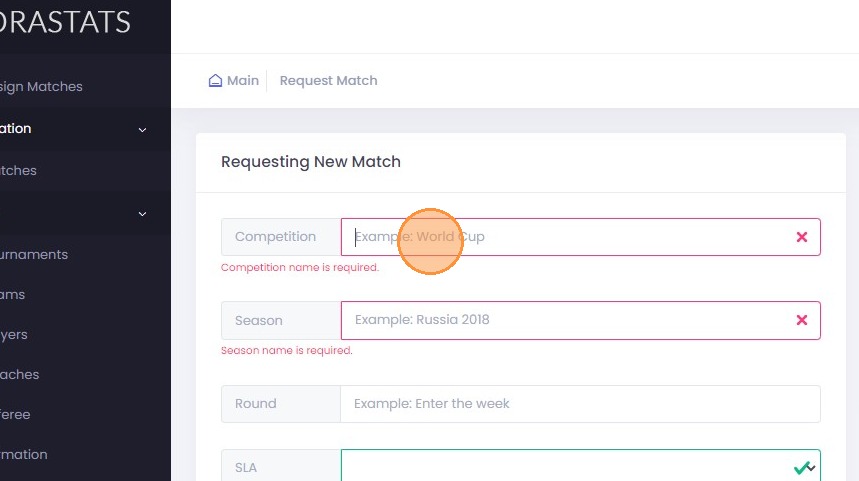
This guide provides step-by-step instructions on how to submit a match on KoraStats. By following these steps, users can easily request to add a match to the KoraStats database, including details like tournament, teams, date, and any additional notes or files related to the match. 1. Navigate to KoraStats Platform 2. Click “Request Match”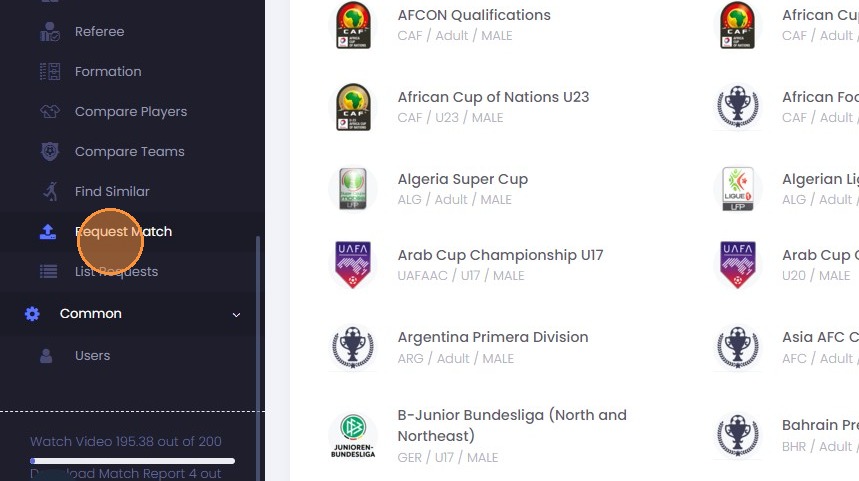 3. Write down the competition name
 4. The Service Level Agreement (SLA) specifies your desired game delivery timeline. Charges will be applied based on this schedule.
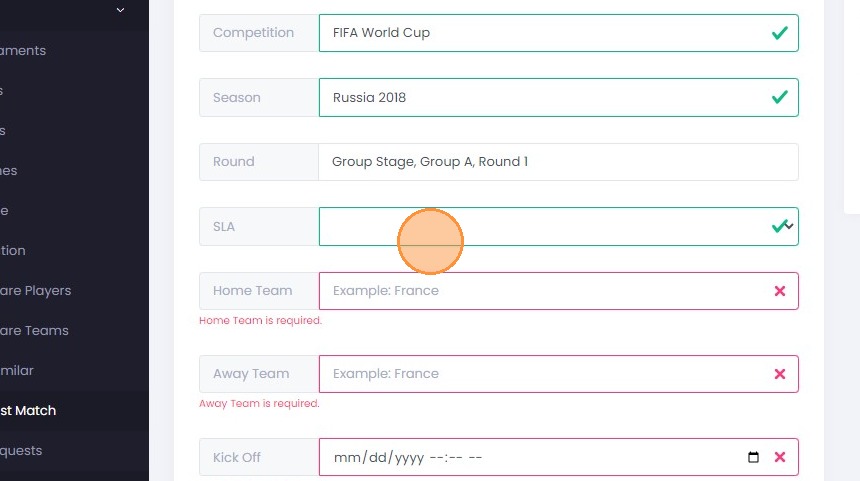 5. Click the “Example: France” field.
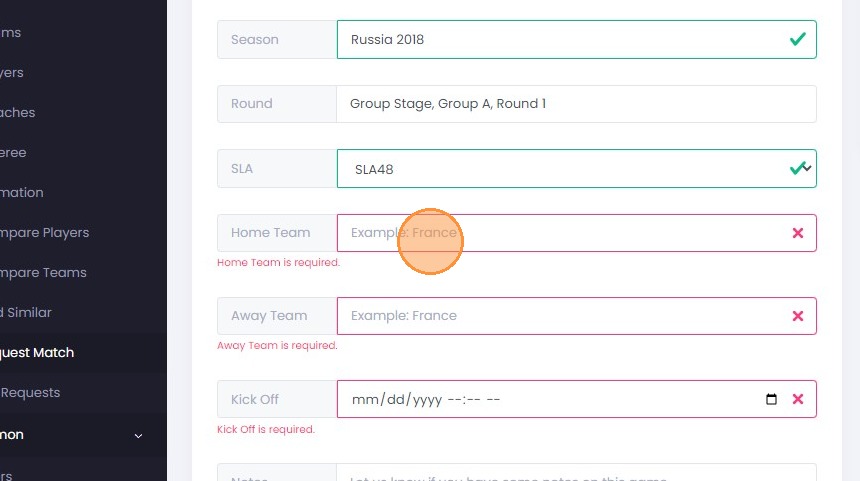 6. Kindly provide the exact names of the team(s) as you wish them to be displayed on the KoraStats platform.
7. Click the “Example: 2022-11-23 22:00:00” field.
6. Kindly provide the exact names of the team(s) as you wish them to be displayed on the KoraStats platform.
7. Click the “Example: 2022-11-23 22:00:00” field.
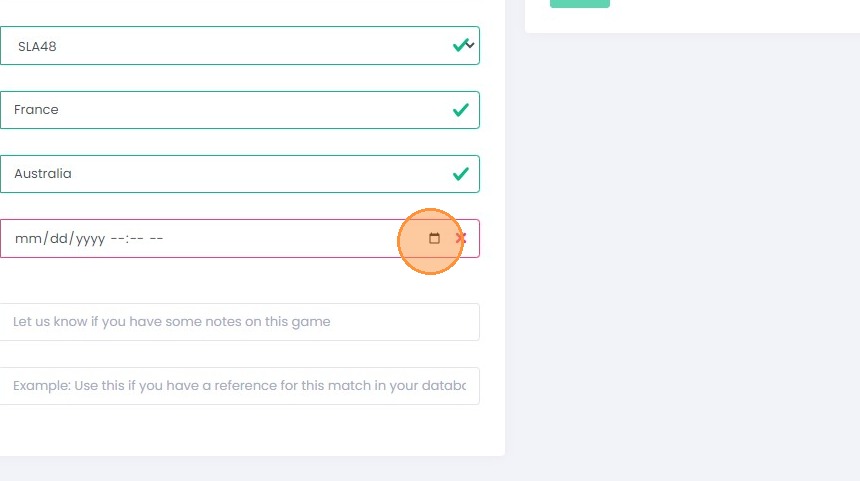 8. The match kickoff date should be recorded in UTC.
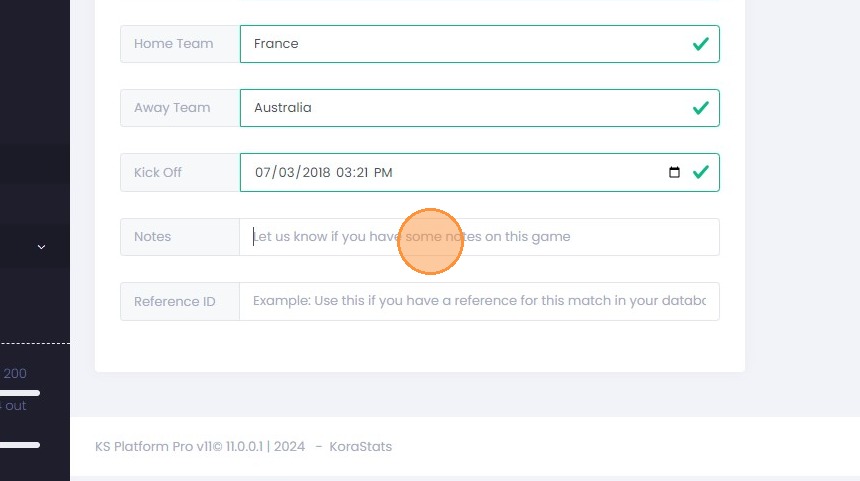
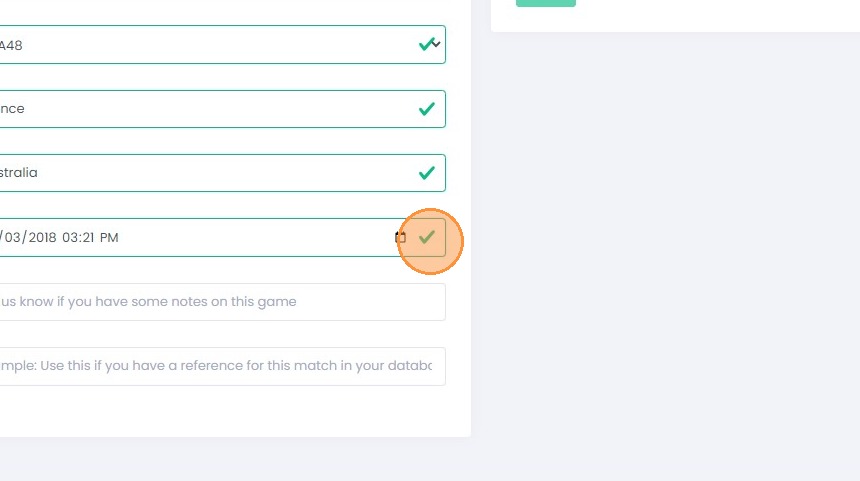 9. Additionally, if you plan to retrieve game information using your unique reference ID, please note it down within your platform. This step is crucial for utilizing KoraStats API endpoints effectively.
 10. For our operations team to function efficiently, it’s essential to determine your preferred method of file submission—either through a URL link or direct file upload. We suggest using URL links for convenience.
We need at least two specific files from you:
10. For our operations team to function efficiently, it’s essential to determine your preferred method of file submission—either through a URL link or direct file upload. We suggest using URL links for convenience.
We need at least two specific files from you:
- The match scoresheet, containing player names, shirt numbers, and positions on the field, as well as the jersey colors for both teams.
- The match video file, which our team will utilize for game analysis.
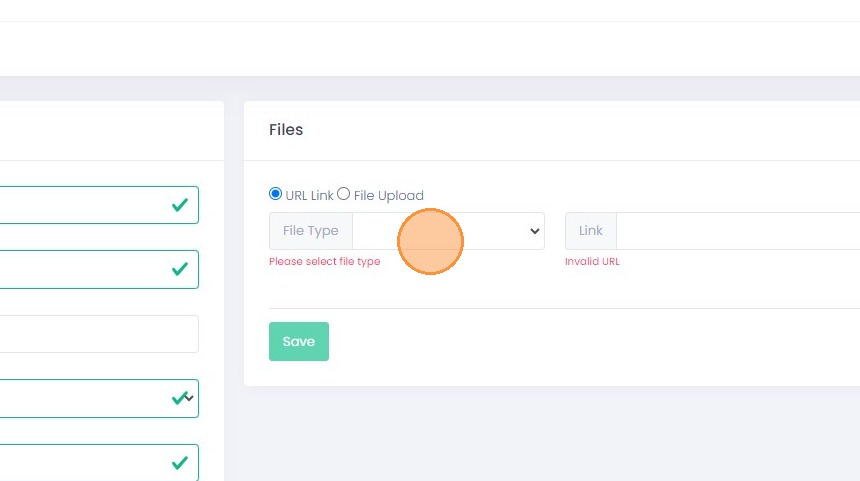 11. The match scoresheet, containing player names, shirt numbers, and positions on the field, as well as the jersey colors for both teams.
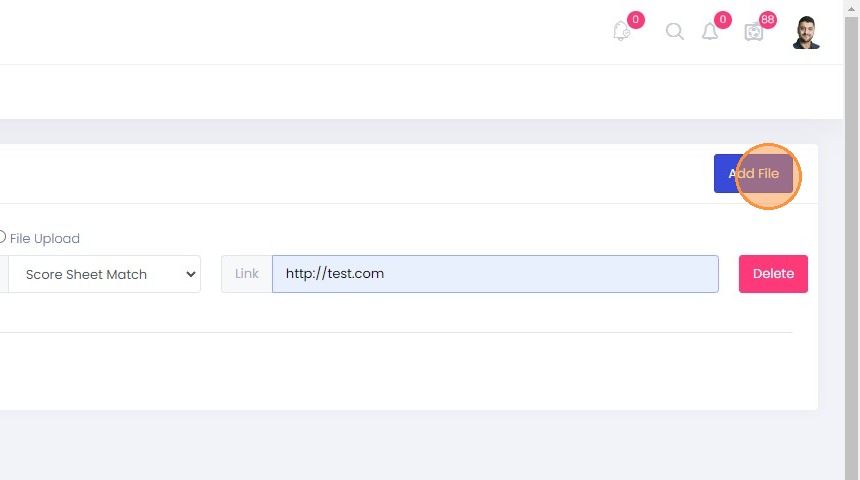
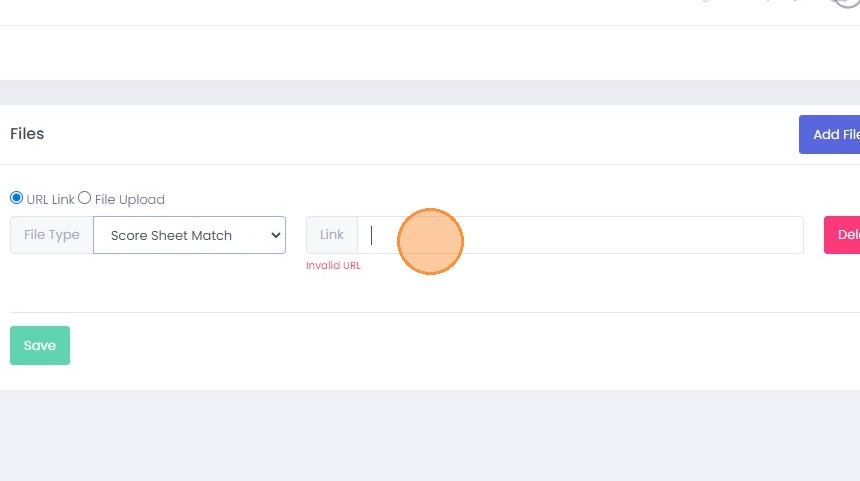 12. Click “Add File” to add another file
 13. Click this dropdown.
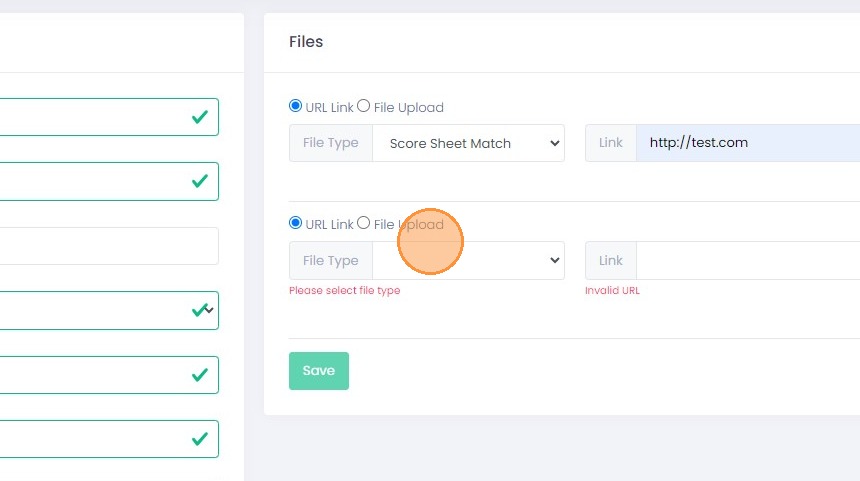 14. The match video file, which our team will utilize for game analysis
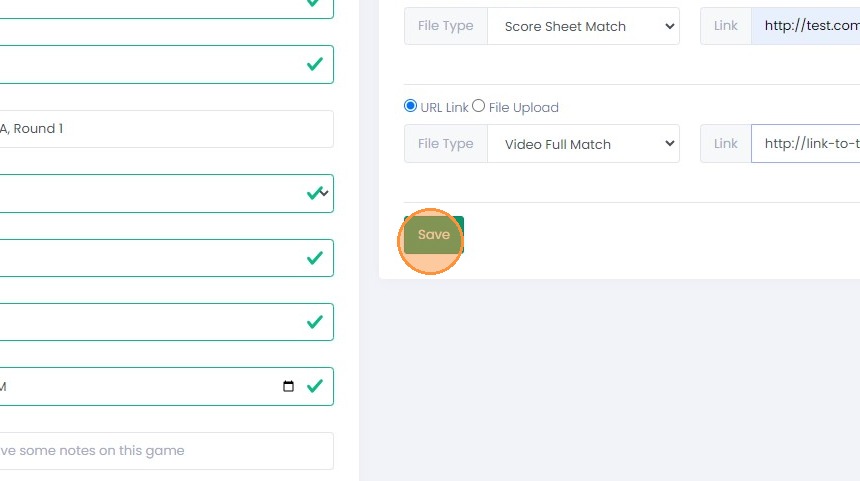
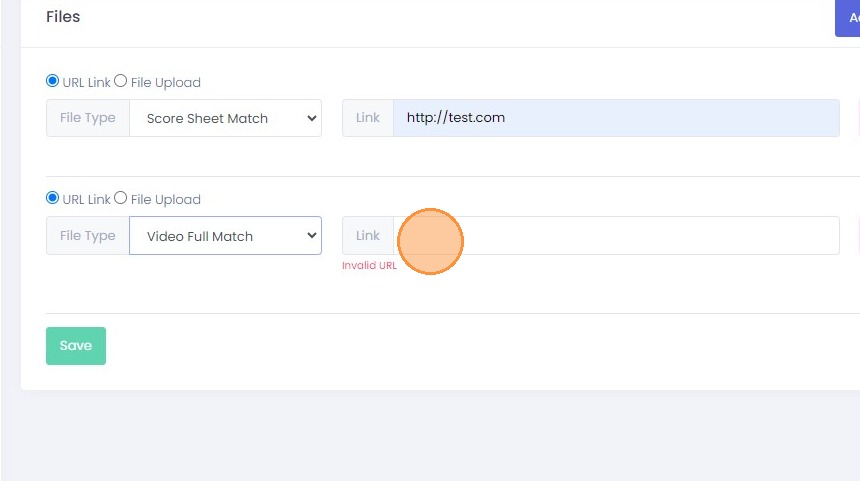 15. Press the “Save” button to preserve your request. Should the “Save” button be inactive, verify that all other fields are highlighted in green and that there are no fields marked in red.